Precise motion sensing is crucial for stable flight and advanced functions in modern drones. The ICM-42688-P is a high-performance Inertial Measurement Unit (IMU) well-suited for drone applications. It offers accuracy, reliability, and versatility. The ICM-42688-P Accelerometer Gyroscope Sensors Transducers for Drones & UAVs also finds use in robotics and AR/VR. This guide covers hardware connection, software configuration, calibration, and troubleshooting for the ICM-42688-P Accelerometer Gyroscope Sensors Transducers for Drones & UAVs. A well-integrated IMU, featuring an accurate Gyroscope, improves flight stability and enhances control for various drone tasks.
Key Takeaways
The ICM-42688-P sensor helps drones fly steadily. It measures how the drone moves and turns.
Connect the sensor carefully to the drone’s main computer. You can use SPI for faster data or I2C for fewer wires.
Set up the drone’s software to read the sensor’s data. This lets the drone understand its movements.
Calibrate the sensor to make its readings accurate. This helps the drone know its exact position and direction.
Test the sensor often to make sure it works right. Fix any problems quickly for safe drone flights.
ICM-42688-P Sensor Fundamentals for Drones
Key Features of ICM-42688-P Accelerometer Gyroscope Sensors
The ICM-42688-P stands out as a powerful Inertial Measurement Unit (IMU) for drone applications. This sensor combines a 3-axis accelerometer and a 3-axis gyroscope into a single, compact package. Its high performance ensures accurate motion tracking, which is vital for stable drone flight and precise control. The device offers excellent noise performance and stability, allowing drones to maintain orientation even in dynamic environments. Engineers often choose this IMU for its reliability and versatility. It serves not only in drones but also in robotics, virtual reality (VR), and augmented reality (AR) systems. This broad application base highlights its robust design and consistent data output. The ICM-42688-P Accelerometer Gyroscope Sensors Transducers for Drones & UAVs provides critical data for flight controllers to make rapid adjustments, ensuring smooth and responsive drone operation.
Pinout and Technical Specifications Overview
Understanding the ICM-42688-P’s pinout and technical specifications is essential for successful integration. The sensor typically operates on a low voltage, often 3.3V, which makes it compatible with many microcontrollers and flight controllers. It communicates using either the SPI (Serial Peripheral Interface) or I2C (Inter-Integrated Circuit) protocol. These interfaces offer flexibility for different system architectures.
Key pins include:
VCC: Power supply input.
GND: Ground connection.
SCL/SCK: Clock line for I2C or SPI.
SDA/MOSI: Data line for I2C or SPI master output, slave input.
MISO: SPI master input, slave output (only for SPI).
CS: Chip Select for SPI communication.
The accelerometer offers selectable full-scale ranges, typically up to ±16g, while the gyroscope provides ranges up to ±2000 degrees per second (dps). These ranges accommodate the rapid movements and accelerations common in drone flight. The sensor also features a programmable digital filter, which helps reduce noise and improve data quality before processing. Its low power consumption is another benefit, extending drone flight times.
Hardware Integration: Connecting ICM-42688-P to Flight Controllers
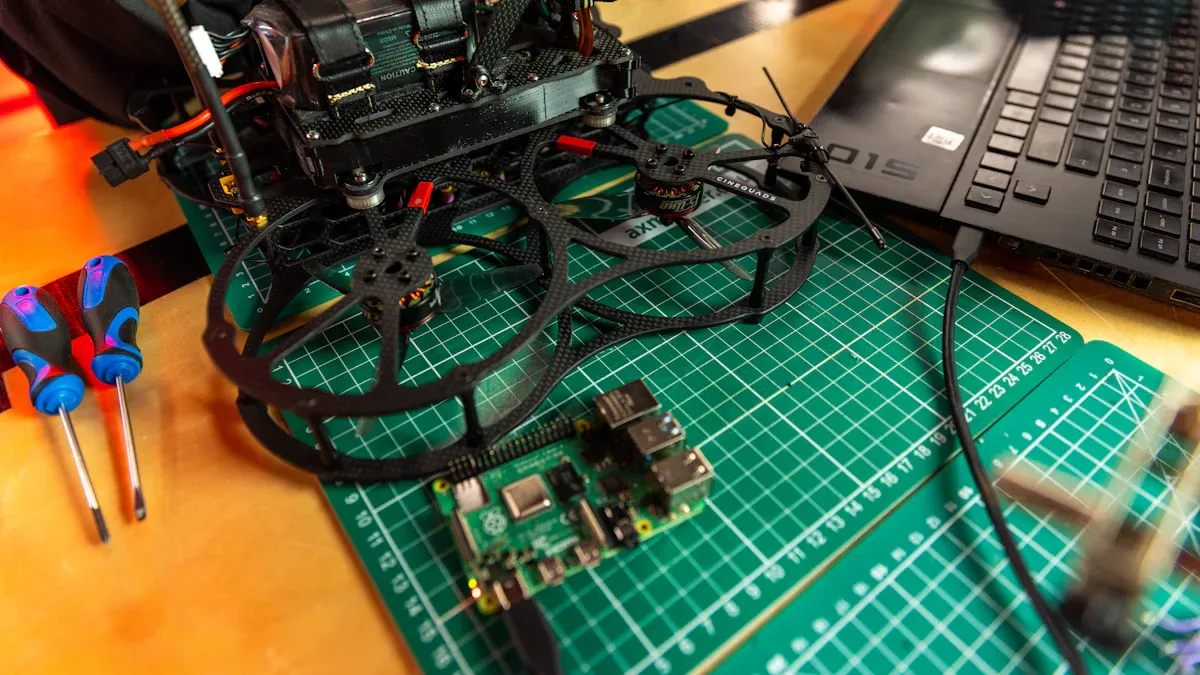
Properly connecting the ICM-42688-P to a flight controller forms the foundation of a reliable drone system. This physical integration demands careful attention to interface selection, precise wiring, and stable power delivery. A robust hardware setup ensures the sensor accurately transmits critical motion data to the drone’s brain.
Choosing the Right Interface: SPI vs. I2C for Drone IMUs
The ICM-42688-P offers two primary communication interfaces: SPI (Serial Peripheral Interface) and I2C (Inter-Integrated Circuit). Each interface presents distinct advantages for drone applications.
SPI (Serial Peripheral Interface):
Speed: SPI generally operates at higher speeds than I2C. This allows for faster data transfer rates, which is crucial for high-frequency IMU readings in dynamic drone flight.
Simplicity: SPI uses separate lines for data input (MOSI) and output (MISO), enabling full-duplex communication. This can simplify data handling for the microcontroller.
Dedicated Lines: Each SPI device requires a dedicated Chip Select (CS) line. This can consume more pins on the flight controller if multiple SPI devices are present.
Noise Immunity: Its dedicated lines often provide better noise immunity in electrically noisy drone environments.
I2C (Inter-Integrated Circuit):
Pin Efficiency: I2C uses only two wires (SDA and SCL) for communication with multiple devices. This conserves valuable pins on the flight controller.
Simplicity: The protocol is relatively simple to implement for basic data exchange.
Speed: I2C typically operates at slower speeds compared to SPI. While sufficient for many applications, very high data rates might challenge its performance.
Addressing: Each I2C device has a unique address, allowing the flight controller to communicate with specific sensors on the same bus.
For drone IMUs, engineers often prefer SPI due to its higher speed and better noise immunity. These characteristics ensure the flight controller receives the most current and accurate motion data, leading to more responsive and stable flight control. However, I2C remains a viable option for projects with limited pin availability or less demanding data rates.
Wiring the ICM-42688-P Transducers for Drones & UAVs
Connecting the ICM-42688-P to a flight controller requires careful attention to each pin. The specific wiring depends on the chosen communication interface (SPI or I2C).
General Pin Connections:
VCC: Connect this pin to the regulated 3.3V power supply output from the flight controller.
GND: Connect this pin to the ground (0V) of the flight controller.
For SPI Communication:
SCL (SCK): Connect to the flight controller’s SPI Clock (SCK) pin.
SDA (MOSI): Connect to the flight controller’s SPI Master Out, Slave In (MOSI) pin.
MISO: Connect to the flight controller’s SPI Master In, Slave Out (MISO) pin.
CS: Connect to a digital output pin on the flight controller, which acts as the Chip Select for the ICM-42688-P.
For I2C Communication:
SCL: Connect to the flight controller’s I2C Clock (SCL) pin.
SDA: Connect to the flight controller’s I2C Data (SDA) pin.
CS: For I2C mode, tie the CS pin to VCC or GND, depending on the sensor’s datasheet to select the I2C address. Consult the ICM-42688-P datasheet for the correct configuration.
Always double-check the flight controller’s pinout diagram and the ICM-42688-P datasheet before making any connections. Incorrect wiring can damage both the sensor and the flight controller. The ICM-42688-P Accelerometer Gyroscope Sensors Transducers for Drones & UAVs requires precise connections for optimal performance.
Powering the Sensor: Voltage Requirements and Decoupling
Providing clean and stable power to the ICM-42688-P is paramount for accurate sensor readings. The sensor typically operates at a nominal voltage of 3.3V. Engineers must ensure the flight controller provides a stable 3.3V supply to the VCC pin.
Voltage Requirements:
Most modern flight controllers include a 3.3V regulator. Connect the sensor’s VCC pin directly to this regulated output.
Avoid powering the sensor directly from a 5V supply without a voltage regulator, as this will damage the device.
Decoupling Capacitors:
Decoupling capacitors are essential for filtering out high-frequency noise from the power supply line. These capacitors act as small, local energy reservoirs, providing instantaneous current to the sensor and smoothing out voltage fluctuations.
Place a small ceramic capacitor (e.g., 0.1µF or 100nF) as close as possible to the VCC and GND pins of the ICM-42688-P. This capacitor should be physically located right next to the sensor.
Sometimes, adding a larger electrolytic capacitor (e.g., 10µF) in parallel with the ceramic capacitor can further improve power stability, especially if the power line is long or noisy.
Proper power delivery and decoupling minimize noise in the sensor’s readings. This directly translates to more accurate accelerometer and gyroscope data, which is critical for the drone’s flight stability and control algorithms.
Software Setup: Reading ICM-42688-P Sensor Data
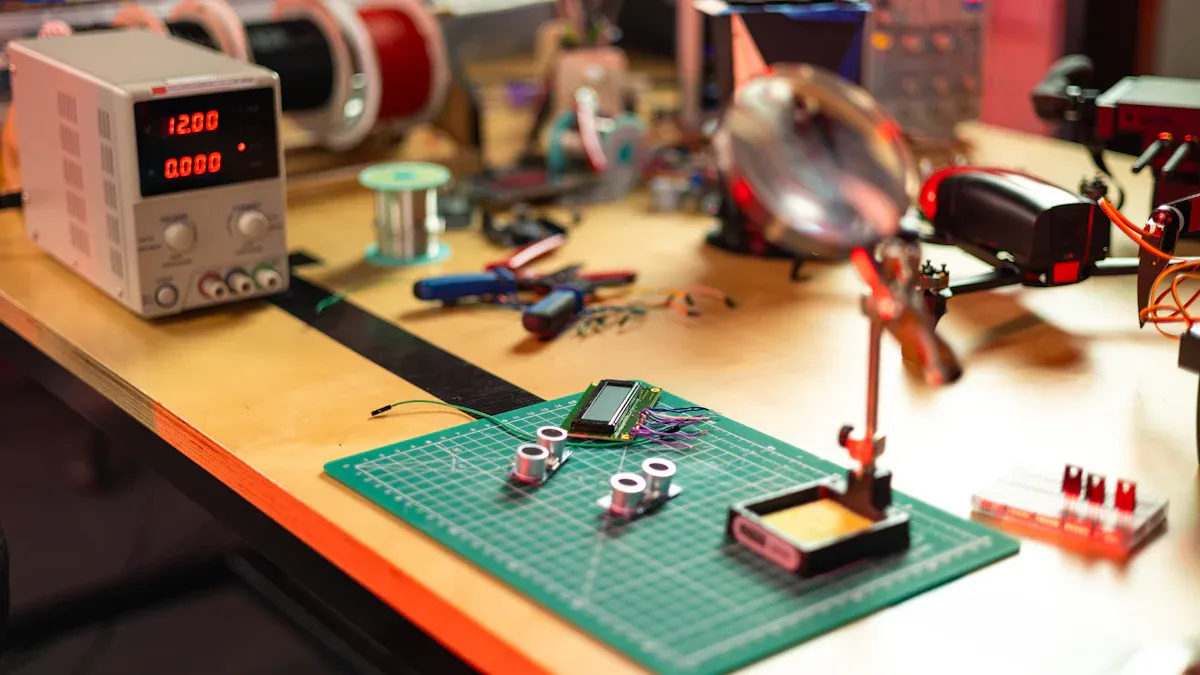
After successfully connecting the ICM-42688-P sensor, the next step involves configuring the drone’s software. This process allows the flight controller to communicate with the sensor and interpret its data. Proper software setup ensures the drone can use the accelerometer and gyroscope readings for stable flight and accurate control.
Compatible Flight Controller Firmware and Custom CLI
Drones rely on specialized firmware to manage flight operations. Popular open-source firmware options include ArduPilot and Betaflight. These platforms offer extensive features and support for various sensors.
ArduPilot: This comprehensive firmware supports a wide range of drone types, from multirotors to fixed-wing aircraft. ArduPilot often includes drivers for common IMUs. Users can configure sensor settings through its ground control software.
Betaflight: Primarily designed for FPV (First Person View) racing drones, Betaflight offers high performance and low latency. It provides a command-line interface (CLI) for advanced configuration.
Sometimes, a flight controller might require a custom CLI file to fully support a new sensor like the ICM-42688-P. For example, flight controllers based on STM32F722RET6 microcontrollers might need a specific IRS_CLI file. This file contains commands that tell the firmware how to recognize and interact with the ICM-42688-P. Users upload these custom CLI files to the flight controller. This ensures the firmware correctly initializes the sensor and reads its data.
Installing Libraries and Drivers for ICM-42688-P
Microcontrollers need specific software libraries or drivers to communicate with external sensors. These libraries simplify the process of reading data from the ICM-42688-P. They handle the low-level communication protocols, such as SPI or I2C.
For common development boards like Arduino, ESP32, or STM32, users can find existing libraries. These libraries often come from the sensor manufacturer or the open-source community.
Arduino: The Arduino IDE has a Library Manager. Users can search for “ICM-42688-P” or “IMU” libraries. Once installed, these libraries provide functions to initialize the sensor and read its raw data.
ESP32: Similar to Arduino, ESP32 projects often use PlatformIO or the Arduino IDE. Libraries are available through these platforms.
STM32: For STM32 microcontrollers, developers typically use STM32CubeIDE or Keil uVision. They integrate drivers as part of the project’s HAL (Hardware Abstraction Layer) or through specific sensor driver files.
Installing the correct library is crucial. It provides the necessary functions to interact with the ICM-42688-P Accelerometer Gyroscope Sensors Transducers for Drones & UAVs.
Initializing the Sensor and Acquiring Raw Data
After installing the libraries, the next step is to write code that initializes the sensor and acquires raw data. Initialization involves setting up the communication interface (SPI or I2C) and configuring the sensor’s internal registers. These registers control settings like full-scale range, data rates, and digital filters.
Here is a basic code snippet example for an Arduino-compatible microcontroller using a hypothetical library:
#include <ICM42688P.h> // Include the sensor library

ICM42688P imu; // Create an instance of the sensor object

void setup() {
  Serial.begin(115200); // Start serial communication for debugging

  // Initialize the sensor
  if (!imu.begin(SPI_CS_PIN)) { // For SPI, pass the CS pin
    Serial.println("Failed to find ICM-42688-P sensor!");
    while (1); // Halt if sensor not found
  }
  Serial.println("ICM-42688-P sensor initialized.");

  // Configure sensor settings (example: set full-scale ranges)
  imu.setAccelRange(ICM42688P_ACCEL_RANGE_16G);
  imu.setGyroRange(ICM42688P_GYRO_RANGE_2000DPS);
  imu.setAccelODR(ICM42688P_ODR_1000HZ); // Output Data Rate
  imu.setGyroODR(ICM42688P_ODR_1000HZ);
}

void loop() {
  // Read raw accelerometer and gyroscope data
  float ax, ay, az;
  float gx, gy, gz;

  if (imu.readSensor()) {
    ax = imu.getAccelX_g();
    ay = imu.getAccelY_g();
    az = imu.getAccelZ_g();

    gx = imu.getGyroX_DPS();
    gy = imu.getGyroY_DPS();
    gz = imu.getGyroZ_DPS();

    // Print raw data to serial monitor
    Serial.print("Accel (g): ");
    Serial.print(ax); Serial.print(", ");
    Serial.print(ay); Serial.print(", ");
    Serial.print(az); Serial.print(" | ");
    Serial.print("Gyro (DPS): ");
    Serial.print(gx); Serial.print(", ");
    Serial.print(gy); Serial.print(", ");
    Serial.println(gz);
  }
  delay(10); // Read every 10ms (100Hz)
}
Basic Data Filtering and Acquisition Techniques
Raw sensor data often contains noise. This noise can come from electrical interference, vibrations, or the sensor’s inherent limitations. Filtering techniques help to reduce this noise and provide cleaner data for the flight controller.
Moving Average Filter: This simple filter averages a set number of recent sensor readings. It smooths out sudden spikes but introduces a slight delay.
Example: To average the last 10 accelerometer readings for the X-axis, the filter sums the 10 readings and divides by 10.
Low-Pass Filter: A low-pass filter allows slow changes in data to pass through while attenuating rapid, high-frequency changes (noise). This is very common for IMU data.
A simple complementary filter often uses a low-pass filter for accelerometer data and a high-pass filter for gyroscope data.
Acquisition Rate: The rate at which the flight controller reads sensor data is important. A higher acquisition rate provides more up-to-date information but also increases processing load. Drones typically require high data rates (e.g., 500 Hz to 1 kHz) for stable flight control. The
delay(10)in the example code sets an acquisition rate of 100 Hz. For drone applications, this rate often needs to be much higher.
Implementing basic filtering at the data acquisition stage helps to improve the quality of the sensor readings. This cleaner data then feeds into more advanced algorithms for attitude estimation and flight control.
Calibration and Data Processing for Drone Control
Accurate sensor data is vital for stable drone flight. This section explains how to calibrate the ICM-42688-P and process its data. These steps ensure the drone operates reliably and precisely.
Accelerometer Calibration for Accurate Orientation
Accelerometers measure linear acceleration, including the force of gravity. Calibration removes inherent biases and scale errors from these measurements. This process ensures the accelerometer accurately reports the drone’s orientation relative to gravity. To calibrate, place the drone in six different orientations: face up, face down, nose up, nose down, left side up, and right side up. At each position, record the accelerometer readings. The flight controller firmware then calculates correction values. These values compensate for any offsets. Proper calibration provides a true sense of “down,” which is essential for stable flight.
Gyroscope Calibration to Minimize Drift
Gyroscopes measure angular velocity. They are crucial for detecting rotational movements. However, gyroscopes can suffer from bias, a constant offset in their readings even when stationary. This bias causes “drift” over time, leading to inaccurate orientation estimates. To calibrate the gyroscope, keep the drone perfectly still on a level surface. The flight controller records readings for a short period, typically a few seconds. It then calculates the average offset for each axis (X, Y, Z). The firmware subtracts this average bias from all subsequent gyroscope readings. This minimizes drift and ensures the ICM-42688-P Accelerometer Gyroscope Sensors Transducers for Drones & UAVs provides precise rotational data.
Sensor Fusion Techniques for Stable Attitude Estimation
Neither the accelerometer nor the gyroscope alone provides a perfect orientation solution. Accelerometers give absolute orientation but are noisy during movement. Gyroscopes provide excellent short-term rotational data but drift over time. Sensor fusion combines the strengths of both. This creates a more stable and accurate estimate of the drone’s attitude (roll, pitch, and yaw).
Complementary Filter: This simple yet effective technique combines accelerometer and gyroscope data. It uses a low-pass filter on accelerometer data to get long-term orientation. It applies a high-pass filter to gyroscope data for short-term rotational changes. The filter then blends these two outputs. This approach provides a robust attitude estimate.
Kalman Filter: A more advanced algorithm, the Kalman filter, estimates the drone’s state (position, velocity, orientation) and the uncertainty of those estimates. It predicts the next state based on previous data. Then, it corrects the prediction using new sensor measurements. This iterative process results in highly accurate and stable attitude estimation, even with noisy sensor inputs.
These fusion techniques are fundamental for achieving stable and responsive drone control.
Testing and Troubleshooting ICM-42688-P Integration
After integrating the ICM-42688-P, engineers must verify its functionality. This section guides users through checking sensor output and resolving common issues. A systematic approach ensures reliable drone operation.
Verifying Sensor Output with Real-time Monitoring
Real-time monitoring confirms the sensor’s proper function. Connect the flight controller to a computer. Use the flight controller’s configuration software, such as Betaflight Configurator or Mission Planner. These tools often include a sensor tab or a real-time data viewer. Observe the accelerometer and gyroscope readings. When the drone sits still, the accelerometer Z-axis should read approximately 1g (gravity). The X and Y axes should read close to 0g. All gyroscope axes should read near zero degrees per second. Gently move the drone. The readings should change smoothly and correspond to the physical movement. Inconsistent or static readings indicate a problem.
Common Integration Problems and Solutions
Several issues can arise during integration. Addressing these problems systematically helps restore functionality.
Wiring Errors: Incorrect connections are a frequent cause of failure. Double-check every wire against the pinout diagrams. Ensure VCC, GND, and communication lines (SCL/SDA or SCK/MOSI/MISO/CS) connect correctly.
I2C/SPI Address Conflicts: If multiple sensors share a bus, address conflicts can occur. Verify the ICM-42688-P’s address in the datasheet. Adjust the firmware configuration if another device uses the same address.
Power Fluctuations: Unstable power can cause erratic sensor behavior. Use a multimeter to confirm the 3.3V supply is stable. Add decoupling capacitors close to the sensor pins to filter noise.
Firmware Misconfigurations: The flight controller firmware might not recognize the sensor. Ensure the correct drivers or custom CLI files load. For example, some STM32F722RET6 boards need specific
IRS_CLIsettings.
Debugging Strategies and Tools for IMU Issues
Effective debugging requires specific strategies and tools. Start by isolating the problem.
Serial Monitor: Use the serial monitor to check for error messages from the microcontroller. It can report communication failures or initialization issues.
Multimeter: A multimeter helps verify voltage levels and continuity of connections. Check power lines and ground connections.
Logic Analyzer: For complex communication problems, a logic analyzer can be invaluable. It captures SPI or I2C signals. This allows users to see the actual data packets exchanged between the flight controller and the sensor. This tool helps identify timing issues or incorrect data formats.
Firmware Logs: Many flight controller firmwares offer logging capabilities. Review these logs for sensor-specific warnings or errors. These logs provide insights into the internal state of the system.
By following these steps, users can effectively troubleshoot and resolve most ICM-42688-P integration challenges.
The ICM-42688-P provides critical motion data. Its successful integration forms the cornerstone of any high-performance drone project. This guide covered understanding the sensor, meticulous hardware connection, robust software setup, precise calibration, and thorough testing. Following these detailed steps unlocks the ICM-42688-P’s full potential. This leads to more stable, reliable, and intelligent drone operations. Readers should experiment and refine their integration. They can also integrate other sensors like GPS, ELRS receivers, cameras, or barometers for enhanced functionality.
FAQ
What is the primary role of the ICM-42688-P in a drone?
The ICM-42688-P provides crucial motion data. It measures acceleration and angular velocity. This data helps the flight controller maintain stability. It also enables precise control during flight. The sensor ensures the drone knows its orientation.
Should drone builders use SPI or I2C for the ICM-42688-P?
Drone builders often prefer SPI. SPI offers faster data transfer speeds. It also provides better noise immunity. These features are important for dynamic drone flight. I2C works for projects with fewer pins or lower data rate needs.
Why is sensor calibration necessary for the ICM-42688-P?
Calibration removes errors from sensor readings. It corrects accelerometer biases. It also minimizes gyroscope drift. Accurate calibration ensures the drone has a true sense of its orientation. This leads to stable and reliable flight.
What happens if the ICM-42688-P receives unstable power?
Unstable power causes erratic sensor behavior. It can lead to noisy or incorrect readings. This affects the drone’s flight stability. Always provide a stable 3.3V supply. Use decoupling capacitors to filter noise. 💡
See Also
SN74LVC4245APW: Versatile Bus Transceiver for Seamless Sensor System Integration
Integrating AEAT-8800-Q24: Boosting Robotics Performance with Precision
ADXL357BEZ: Essential for Motion Sensing and Platform Stability
AD9736BBCZ: Shaping the Future of Wireless Communication Technology
ATIC83E2: Powering Industrial Automation with Real-World Applications